
Our verdict
A capable home for a content calendar and recurring work, and the free plan goes further than most. Solo users should keep the setup small and expect to fight the pricing page before paying.
- Best for
- Solo founders and small site owners who want a calendar, recurring tasks and docs in one free tool
- Skip if
- People who just need a to-do list, and anyone who wants simple, stable per-seat pricing
- Price
- Free Forever plan; paid plans from $7–$9/user/month billed yearly (pricing page is mid-test)
What works
- Free Forever plan includes unlimited tasks, Calendar view and recurring tasks
- Recurring tasks are available on every plan, per ClickUp's help center
- Lists, Board and Calendar views of the same tasks without duplicating anything
- Works with AI assistants through ClickUp's own connector
What doesn't
- Free plan storage is only 60 MB, which attachments can use up quickly
- Pricing page is running two different plan lineups at the same time
- Many reviewers report slowness and a steep learning curve
- Free plan caps automations at 100 actions a month and 5 active rules
We run a few small websites with no staff. Our content calendar and our scheduled, repeating tasks live in ClickUp. This piece is about that use: what ClickUp does well for one person, where it gets in the way, and what you'd pay if the free plan stops being enough.
We're not covering sprints, team workloads or client portals here. If you need those, other reviews will serve you better.
What we use it for
Our setup is plain. A content calendar of what gets published and when, plus recurring chores that would otherwise get forgotten. We also connect ClickUp to our AI assistant through ClickUp's official connector, so the assistant can read and update tasks when we ask.
That's it. No custom dashboards, no time tracking, no team. We think that's how most solo operators should start, and the rest of this review comes from that angle.
The short answer
ClickUp is a good fit if you want your calendar, task list and notes in one place and you're willing to spend an hour deciding how to organize it. It's a poor fit if you want something you can learn in five minutes, or if you'll pay and hate surprises on the bill.
Free plan vs paid: what a solo user gets
ClickUp's pricing page is in flux right now (more on that below). The Free Forever plan looks the same in both versions we found:
| Free Forever | Unlimited (current) | Core (test) | Business (current / test) | |
|---|---|---|---|---|
| Price, billed yearly | $0 | $7/user/month | $9/user/month | $12 / $17 per user/month |
| Price, billed monthly | $0 | $10/user/month | $12/user/month (listed as regular price) | $19 / $25 per user/month |
| Storage | 60 MB | Unlimited | Unlimited | Unlimited |
| Tasks | Unlimited | Unlimited | Unlimited | Unlimited |
| Automation actions/month | 100 | 1,000 | 1,000 | 5,000 / 10,000 |
| Active automation rules | 5 | 500 | Unlimited | Unlimited |
| Forms | 1 | Unlimited | Unlimited | Unlimited |
| AI | Trial / 500 credits per workspace | Paid add-on | 1,000 credits/user/month, pooled | Add-on / 1,500 credits/user/month |
Sources: ClickUp's pricing page as fetched on October 24, 2026, plus two independent pricing trackers (PricingSaaS and Superdupr, both from October 2026) that recorded the older lineup. ClickUp's help center blocked our page requests, so the help-center details in this review come from its indexed article text, and we couldn't read its "New plans and pricing options" article in full.
For a one-person content calendar, the free plan covers the essentials. ClickUp lists Calendar view, Kanban boards, collaborative Docs, unlimited tasks and time tracking on Free Forever. According to ClickUp's help center, recurring tasks are available on every plan. Paid plans add an option to show all future occurrences of a recurring task.
The limit you'll probably hit first is storage. 60 MB disappears fast if you attach screenshots, PDFs or images to tasks. One Trustpilot reviewer says Chat stopped working after they went over the free storage cap. If you plan to attach files, link them from Google Drive or Dropbox instead of uploading them.
The second limit is automations: 100 actions a month and 5 active rules on Free. That's enough for a few small rules ("when status changes to Published, move to Done"). It won't cover heavy automation.
The pricing page is running two lineups
This is the most confusing part of ClickUp right now, so it's worth slowing down.
When we loaded clickup.com/pricing on October 24, 2026, we saw plans named Core ($9/user/month billed yearly, $12 regular), Business ($17 yearly, $25 regular), Max ($100 yearly, $120 regular) and Enterprise. In this lineup, every plan includes a monthly allowance of ClickUp Brain² AI credits, and extra credits cost $10 per 10,000.
Pricing trackers report that other visitors see the older lineup: Unlimited at $7 yearly or $10 monthly, Business at $12 yearly or $19 monthly, with AI sold separately. Superdupr lists the AI add-ons as $9/user/month (Brain AI) and $28/user/month (Everything AI) on that lineup. PricingSaaS describes the new layout as a test shown to part of ClickUp's visitors, and recorded the Core price in that test moving from $8 to $9 in October.
What this means for you:
- The price you see may not be the price someone else sees. Screenshot the page before you buy.
- If you don't use AI, the test lineup costs more. Core at $9 is $2 above Unlimited at $7, and part of that difference is bundled AI credits you may never spend.
- If you'd pay for AI anyway, the bundled lineup can work out cheaper than Unlimited plus the AI add-on.
For a solo operator, the honest advice is to stay on Free until a specific limit stops you. Then compare the two plans you're offered at checkout.
How we'd set it up for one person
ClickUp organizes work as Workspace → Spaces → Folders → Lists → Tasks. That hierarchy suits a 50-person company. For one person it's mostly noise, and a common complaint in alternatives roundups aimed at solo users.
What works for a content calendar:
- One Space for your business. Resist making one per project.
- One List per site or channel (blog, newsletter, social). Each article is a task with a due date for the publish day.
- A few statuses: Idea, Drafting, Scheduled, Published. More than that and you'll stop updating them.
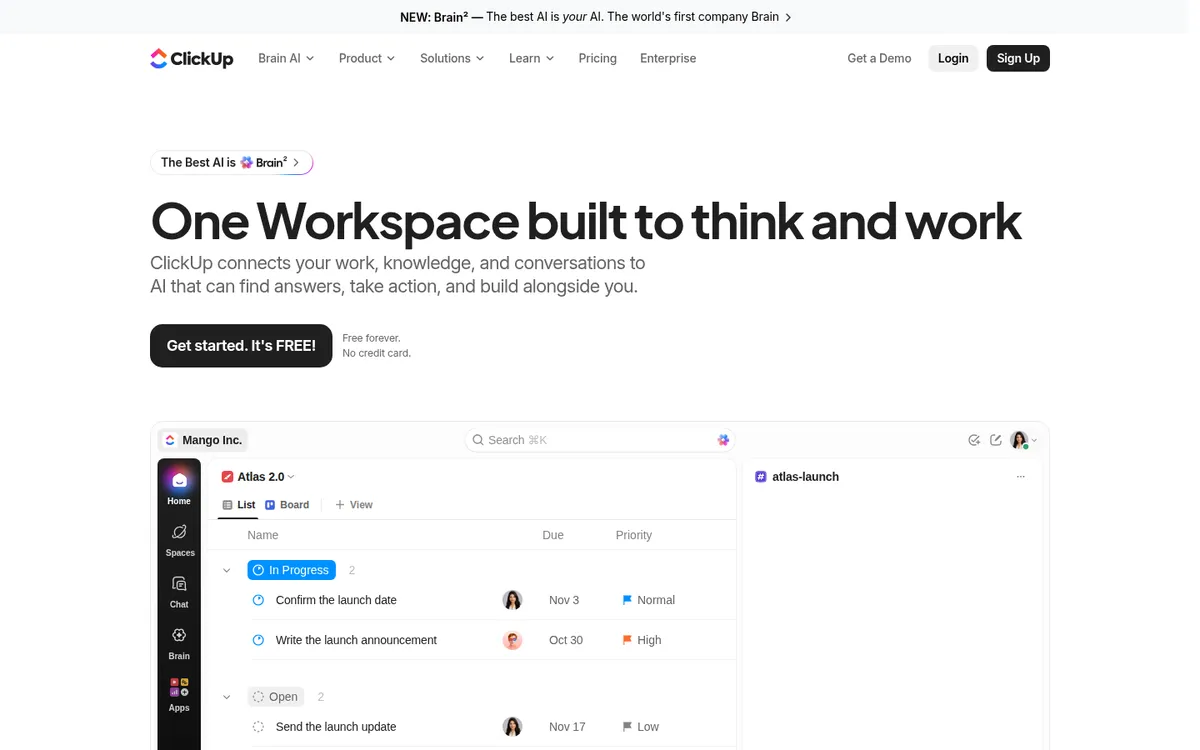
- Calendar view on the Space, so you see everything across lists on one month grid. Drag a task to move its date.
- Recurring tasks for chores: monthly link checks, quarterly price re-checks on old posts, renewal reminders. ClickUp's help center says recurrence follows the due date, and the start date keeps the same offset before it.
You can build all of this on the free plan.
What we like
- One set of tasks, many views. The same task appears in a list, on a board and on the calendar. Rescheduling in one updates the others.
- Recurring tasks are free. Many to-do apps charge for anything beyond basic repeats. ClickUp puts recurrence on every plan.
- It connects to AI tools. ClickUp offers an official connector for AI assistants. That's useful if you already plan or draft with one. The test pricing lineup lists daily MCP call limits per plan (100 on Free, according to Superdupr), so heavy use may need a paid plan.
- The free plan is generous with seats. Unlimited members and guests on Free, which helps if you sometimes hire a freelancer.
What could be better
- Speed. Performance is the most common complaint on Capterra and shows up on Trustpilot too. Users describe the app as laggy or "heavy and slow at times," especially in large workspaces.
- Learning curve. G2's review summary and many Trustpilot reviews mention a steep learning curve and a long setup. Every feature you see is a feature you have to decide to ignore.
- Billing and seat management. On Trustpilot, complaints cluster around pricing, removing seats and slow billing support. One reviewer calls the subscription model "straight out of the 1990s."
- Pricing clarity. Running two plan lineups at once makes it hard to know what you'll pay, and it suggests prices may change again soon.
What users say, in aggregate
On Trustpilot, ClickUp has a TrustScore of 4.2 from 713 reviews as of October 24, 2026. The ratings are split: 61% five-star and 22% one-star, with little in between. Trustpilot also notes that ClickUp hasn't replied to negative reviews.
Praise is consistent: flexibility, keeping work organized, and replacing several separate tools. Complaints are consistent too: performance, complexity, and billing. Reviews from solo users are mixed. Some call it transformative for a one-person business, while others spent a long time configuring it before it was useful.
Who should use ClickUp, and who shouldn't
Use ClickUp if:
- You want a content calendar, recurring chores and notes in one free tool.
- You're comfortable spending an hour on setup and then leaving it alone.
- You may bring in a freelancer or assistant later and want them in the same place.
- You plan or draft with an AI assistant and want it to see your tasks.
Skip ClickUp if:
- You only need a to-do list. Todoist or Trello will feel lighter and faster.
- You attach lots of files to tasks and don't want to pay. The 60 MB cap will bite.
- You want predictable pricing. Until ClickUp settles on one lineup, the bill is harder to predict than it should be.
- Slow interfaces drive you up the wall. Performance complaints are too common to ignore.
Our verdict
For a solo operator, ClickUp's free plan is enough to run a real content calendar with recurring tasks, and that's how we use it. The trick is to use about 10% of it. Keep one Space, a few lists, a few statuses and the Calendar view.
We'd hold off on paying until a specific limit gets in your way, usually storage or automations. When that happens, check which pricing lineup ClickUp shows you before you choose a plan.
Disclosure: if you buy through our links we may earn a commission. It never changes our verdict. Details.
Sources
- ClickUp pricing
- ClickUp help: Use recurring tasks
- ClickUp help: New plans and pricing options
- PricingSaaS: ClickUp pricing diff, week 43 2026
- Superdupr: ClickUp pricing 2026 (read Oct 18, 2026)
- Trustpilot: ClickUp reviews
- Capterra: ClickUp reviews
- G2: ClickUp reviews
Vendors change plans often, so confirm on the official site before buying.